One idea in.
A short film out.
AI short film studio
One idea in.
A short film out.
Write one line. The Canvas Agent builds the script, the storyboard and the cut on a canvas you can edit. Publish it as a template and earn when others run it.
What would you create?

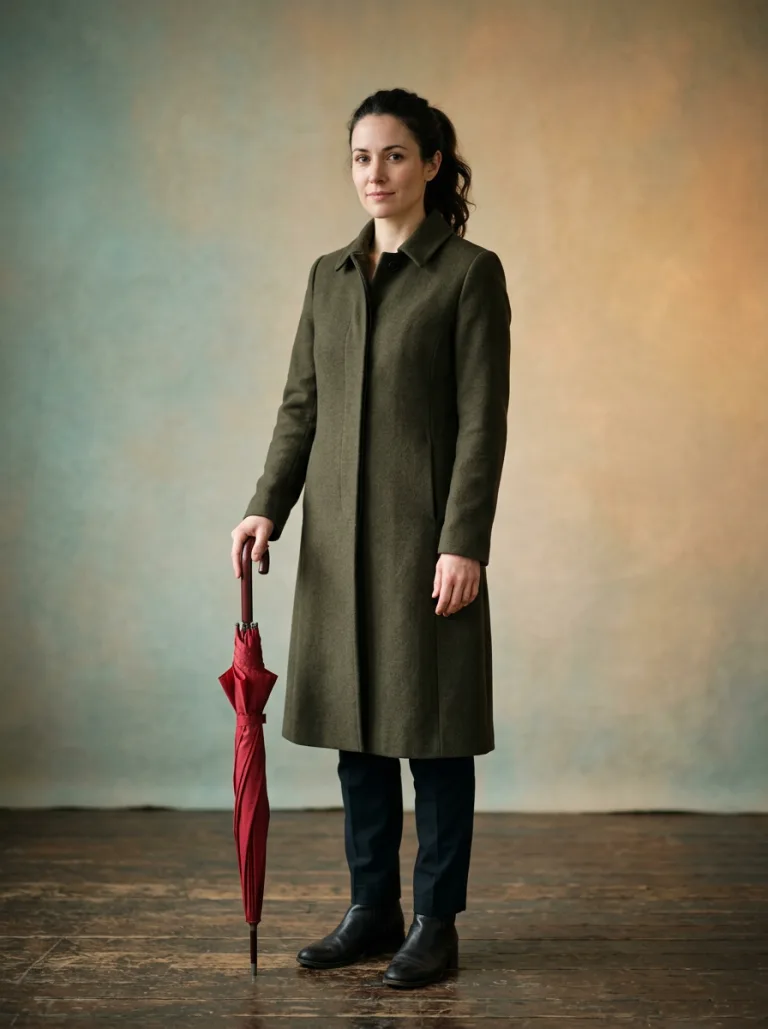
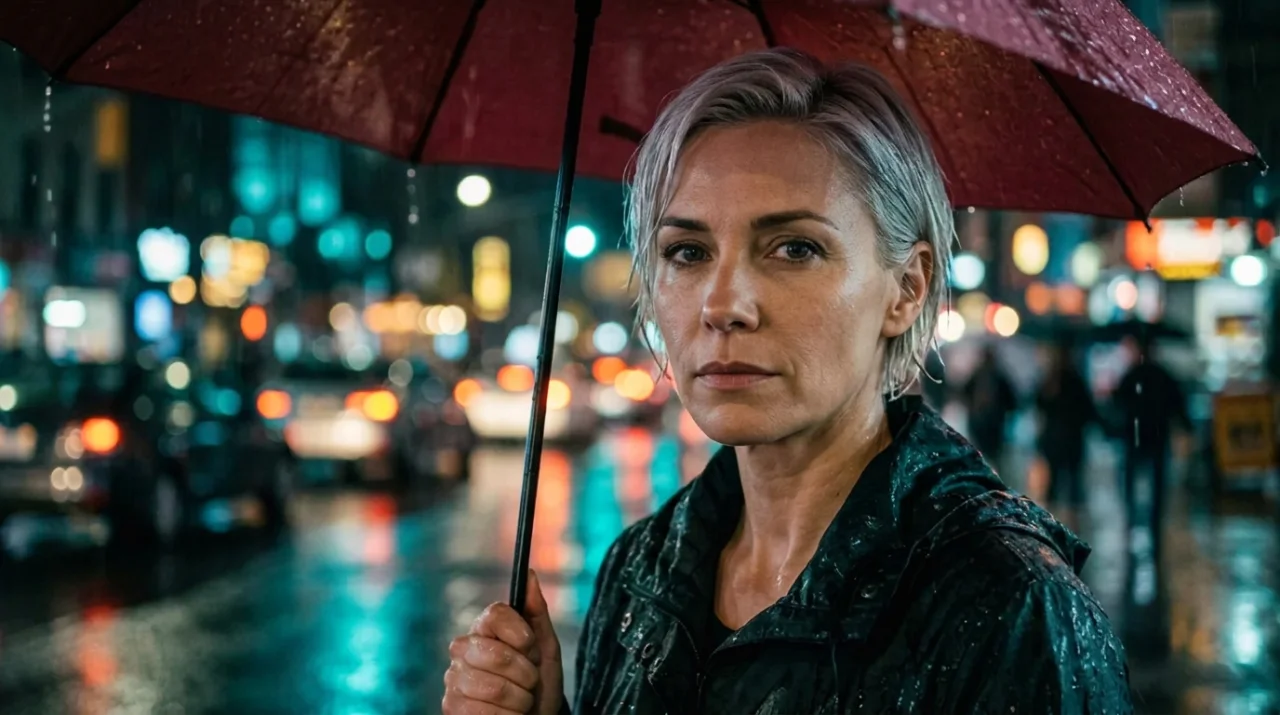
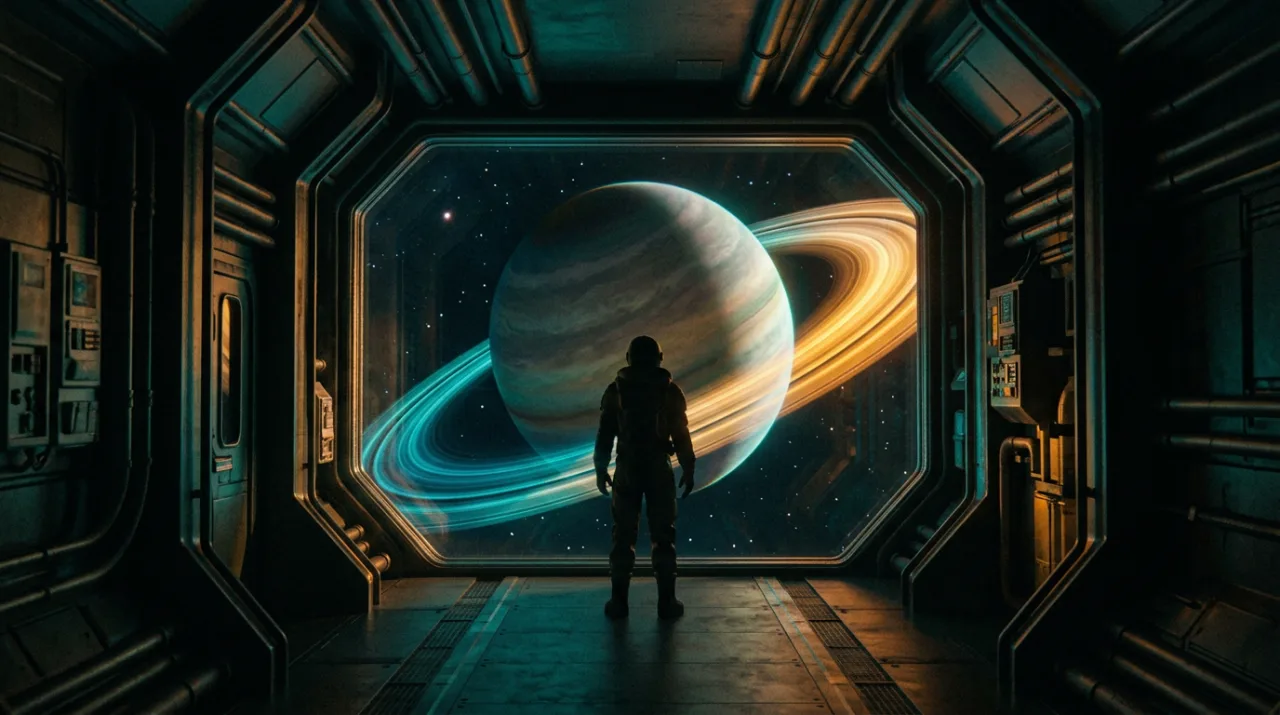
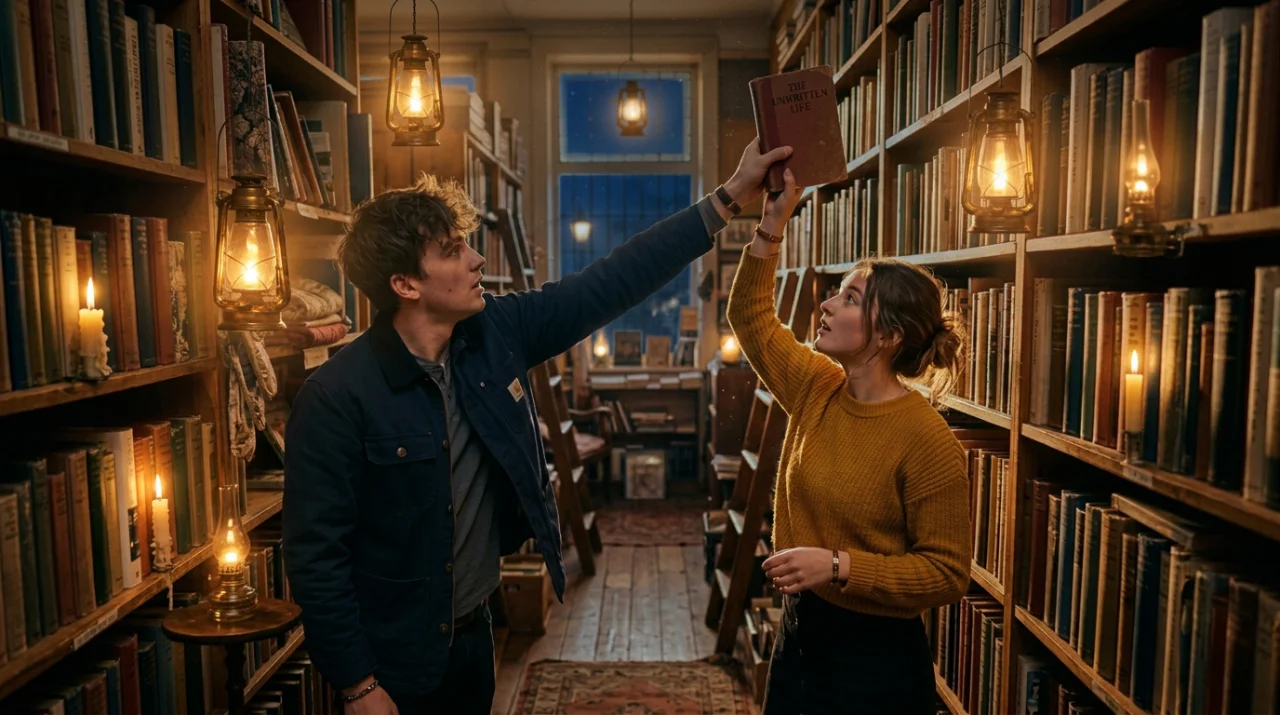
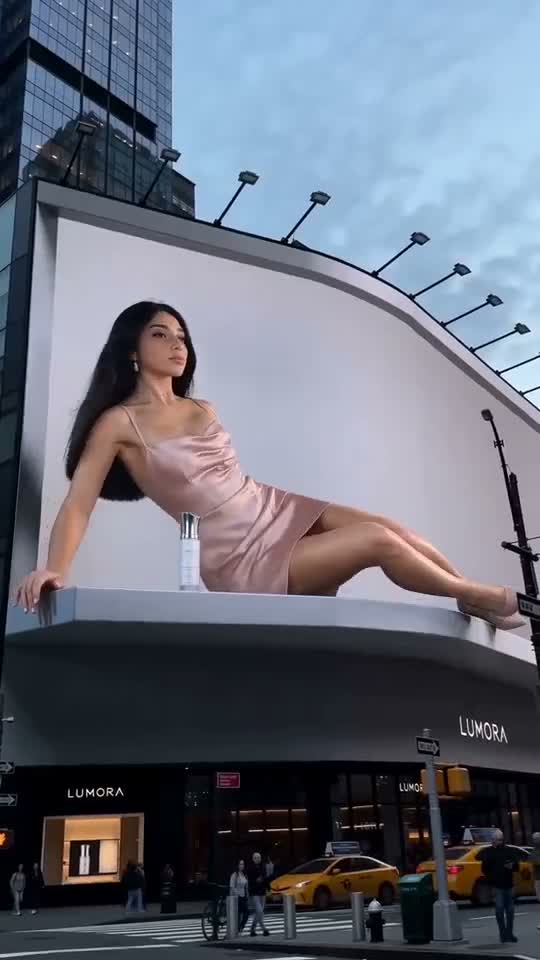

Made with ReelMe
AI films, brand films, animation, music videos and explainers. Films marked Canvas open the board they were built on; Breakdown lays a film's shots out on the canvas.
Made on ReelMe · Canvas
AI Film
Branding Ads
Animations
MV
Explainer
Watch a film get made
Five steps, one canvas.

Write the premise, or start from a poster's story.

Scene headings, action lines and a title, written by the agent.

It locks the lead and the place first, so every shot reuses them.

Same character, light and lens across all of them.

The shots join into one sequence you can still edit.
A canvas that works with you
Chat on the left, watch the board build on the right. Or drag nodes yourself.
- The same character in every shot
The agent locks the lead and the place first, then wires them into each shot as references.
- Nothing runs without your OK
Every run is priced first. You approve before any credit is spent.
- Every node stays editable
Rewrite a prompt, swap a frame, re-run one shot. The rest of the board stays put.
Make films from the chat you already use
Connect your AI app to ReelMe and direct the canvas from there.
- 1Copy the server URL
It is the address of the ReelMe MCP server.
- 2Add it to Claude
Add it as a custom connector or MCP server in Claude, then sign in to ReelMe.
- 3Ask for a film
Describe the scene. Claude builds the canvas and asks you before anything is charged.
Films that earn
Two ways to get paid for what you make.
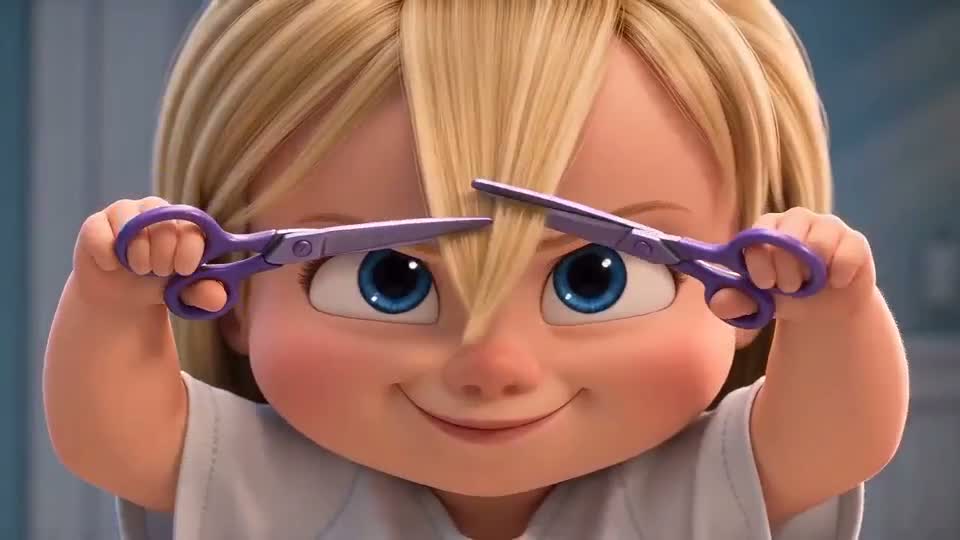
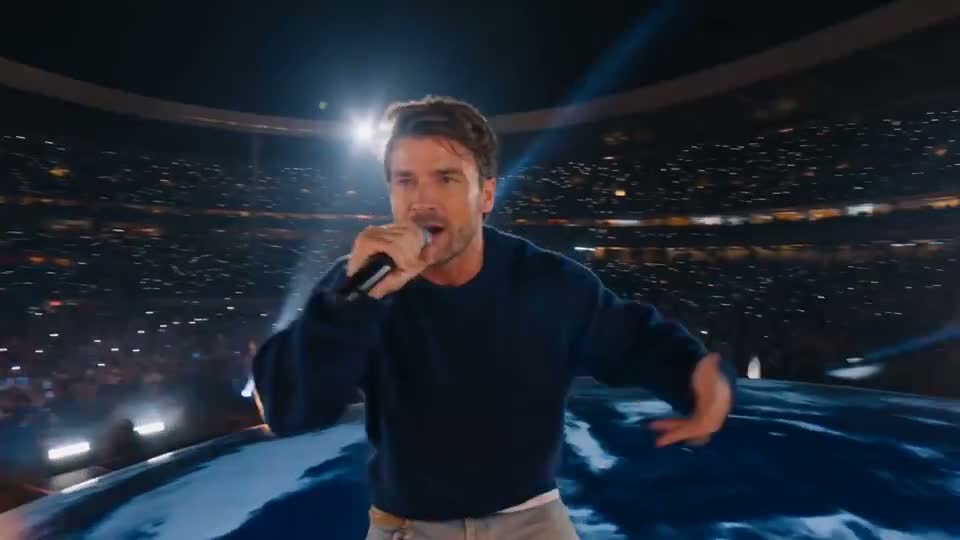
Themed film contests are on the way. Submit an AI film made here or elsewhere, with proof of how it was made.